1.
How to get started with KCIS 2
1.1 How to start KCIS 2 and login to the application?
Please use the following shortcut on your desktop:

Note: The recommended browser is Internet Explorer!
After starting the applicaction, please enter you user
name and password in the login screen:
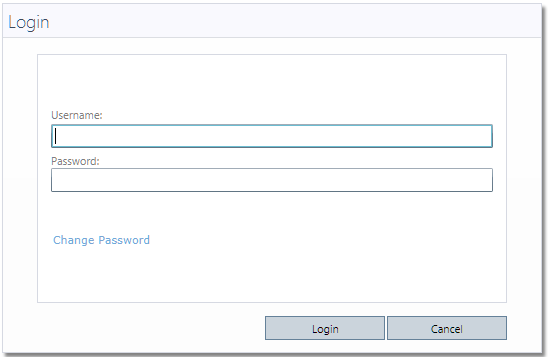
To login press
“Login”.
After a
successful login the system will directly guide you to your main desktop which
is the default start screen.
Remark: Please
note that – system wide – any login data is case sensitive! In case you do want to set/change the password, please
follow the steps as below.